
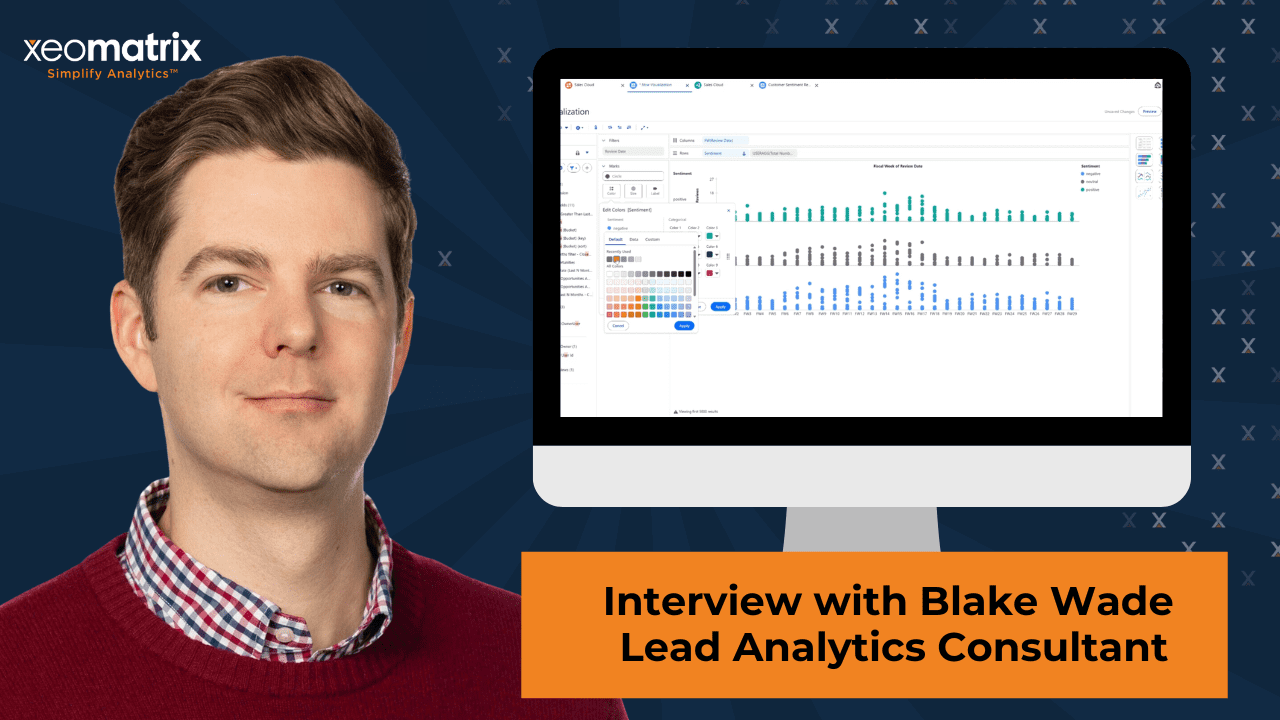
An interview with Blake Wade, Lead Analytics Consultant, Xeomatrix Inc.
Experience with TableauNext conversational analytics reveals a consistent pattern: agent quality is tightly coupled to how explicitly business meaning is encoded in the semantic model. Trusted analytics depends on the deliberate design of business meaning within the semantic model.
Rather than relying on assumed context or institutional knowledge, the agent responds directly to the definitions, relationships, and rules it is given. In production, we clearly saw that the quality of agent responses rises in direct proportion to the clarity of the semantic model that supports it.
Here are four key points that drove success in our Tableau Next implementation.
1) Business Rules translate business language into analytics behavior
Business Rules serve as the connective tissue between how people speak about the business and how the agent interprets the data.
For example, a field labeled “Rep” in the data may be referenced across teams as “Representative,” “Account Executive,” or “Caller.” When these terms are intentionally unified in the semantic layer, the agent responds consistently and accurately, regardless of which phrasing a user chooses.
This reinforced an important design principle, as shared by Wade:
“Synonyms belong in governance, not in user training.”
By encoding shared meaning directly into the model, we create a single, authoritative interpretation that the agent can apply reliably.
Field descriptions follow the same philosophy. Rather than documenting everything, we focused on fields where system terminology and business language diverge. Clear definitions close that gap and strengthen the agent’s ability to answer accurately.
2) Specific questions unlock trustworthy insights
Users naturally ask questions the same way they speak to colleagues. When that conversational style is paired with a well-designed, semantic model, the agent delivers strong results.
Consider a question like:
“How are my reps doing?”
When the model defines connections between nicknames like “reps” to the field labels and the scope of “my” with the user’s role, the agent understands the request and returns accurate information.
The similar principles apply to questions such as:
“What are my sales?”
Questions that include a clear timeframe, scope, and level of aggregation consistently produce more precise and actionable insights.
Over time, users naturally learn how to ask richer questions through positive reinforcement as the agent responds accurately and consistently.
3) Iteration strengthens the model and accelerates adoption
Each interaction with the agent provides an opportunity to refine and improve the semantic model.
Successful implementations plan validation and feedback as first-class components of rollout. Teams establish clear methods for verifying metrics, reviewing unexpected results, and refining business rules as understanding evolves.
This iterative approach builds confidence quickly. As definitions sharpen and relationships mature, trust grows, and usage follows naturally.
4) Semantic accuracy enables conversational analytics
At the foundation of every successful analytics agent is a semantic model that is clear, consistent, and grounded in business meaning.
When metrics, hierarchies, and relationships are intentionally designed, the agent becomes a powerful interface for exploration, answering questions quickly and consistently, responding to language the team naturally uses.
The agent draws entirely from the semantic model, applying the logic, definitions, and relationships provided. With strong semantic design in place, conversational analytics moves from novelty to productivity and from experimentation to everyday use.
What Enables Successful Analytics Agents
- Design business rules as a translation layer between human language and analytics logic.
- Unify synonyms, roles, and naming conventions within the semantic model to ensure consistent interpretation.
- Define user hierarchy and scope so conversational questions resolve accurately by role and context.
- Encourage specific questions that include timeframe, scope, and level of aggregation.
- Treat iteration and validation as core components of deployment to continuously strengthen the model.
- Prioritize semantic accuracy as the foundation for trust, empowering conversational analytics.
See How this Approach Works in Practice
Show/Hide Transcript
Celia Fryar: [00:00:00] In this recording, we’re gonna go through the steps required to bring fresh data into Tableau Next, place it in a visualization and integrate it with a Salesforce Account Management Page.
Our goal is to, is this where we have an Analytics Tab embedded into our Account Management Area.
We’re gonna go back to the Sales Cloud Semantic Model.
We’re gonna bring in a new Data Lake Object, which would be our, in this case, an Excel Sheet with our Customer Reviews, with the Sentiment that has been collected.
Several ways to see the content of the new file that’s been brought in.
Data Pane to the left, also a Preview Pane.
The bottom part of this Semantic Model where we can see not only how we’ve connected into the model on Account Name and account name.
We can also see the columns, [00:01:00] do a little bit of previewing of them amongst other things.
All right, so down, we’re gonna also need a Calculated Field to give us a tally of the Reviews.
Einstein will help with any drafting of Syntax. Save you some time there. We’ll save this and it’ll be added into the newly adopted Table.
Back to the Sales Cloud working space. We’re going to Add a Visualization. We can build on what we already have or go fresh from the Semantic Model, which we need to do since we’ve added new data.
We’re going to be creating this Visualization, using the Review Dates as our Horizontal Axis, and also we’re gonna need to start by aligning it up with the boundaries of the data that has been brought in, in this [00:02:00] case at the end of April.
Using that same Date Field to create a Horizontal Axis for the Visualization.
In the dropdown, you can see different ways to look at the Date Parts.
For this Visualization, we’ll use the Fiscal Week Number.
Now we have a Horizontal Axis.
We’ll be populating it with the Total Number of Reviews. Now we have the big picture.
We’re gonna be creating Subsegmentation in our View.
First with the Sentiment. [00:03:00] Now it’s split out between Negative, Neutral, and Positive. We also wanna see it by Account Name, though, so we’ll bring that onto Detail as well. We’ll change the Mark Type to get more clarity.
Now, we want to add Sentiment to Color to get some Segmentation there. We’ll clean up the Access Labels a little bit, make ’em a little more user friendly. Gonna change the Sort Order to put my good news on top. And also adjust the Colors to correspond a little bit more closely to the spirit of Neutral and Negative.
And we toggle On our Action Panel and we’re gonna select a Salesforce Action. [00:04:00] Make that connection across using the Timeframe and the Account ID. Lots of choices here, but we’d like to open the record in this particular case. As we hover over these marks, we can see the Tool Tip Information and when we select, we can see the option to Open the Record. And while this is great to get a spec over here, we’d like to edit this page and have it be integrated.
We’re gonna Add a Tab next to Related in Detail.
We’re gonna give it a Custom Name and call it Analytics.
We’re gonna change the Order of Presentation to put it up first. Add the Component here. Tell it we wanna add a Tableau Next Dashboard. And now with the dropdown on the top right, we see what Dashboards are available for inclusion.[00:05:00]
I’m gonna select Open Opportunities and change the height so the whole thing is visible.
We’re making good progress. This is showing all of the Observations, though we wanna make sure that they’re aligned with the particular Account that’s being looked at.
So we’ll be setting this up to make that Filtering happen based on the Account Name. Operator of equal and of course, Account Name on the other side of it.
Now we can see the updated version in the left side, and we know that we’re on the right track here. Gonna Save this.
We also need to Activate it. Activation has already been done so you’re not seeing the full impact of this. But this also controls the form factor that’s there available to be presented in [00:06:00] is required before we are able to hit submit on this. So we’ll close this and then hit Save.
And now when our team is working in their Account Management sections, they’ll be able to have the Dashboard easily accessible and Filtered for the correctly against the particular Account that they’re looking at without having to leave their working space.
Executive Summary
Building an effective analytics agent starts with semantic clarity. In our initial production Tableau Next implementation, we found that agent performance improves directly as business meaning is intentionally designed into the semantic model. Business rules, field definitions, and role hierarchies provide the foundation that enables conversational analytics to deliver accurate, trusted insights. When organizations invest in semantic design and content, the door is open for analytics agents to become reliable partners for everyday decision support.